
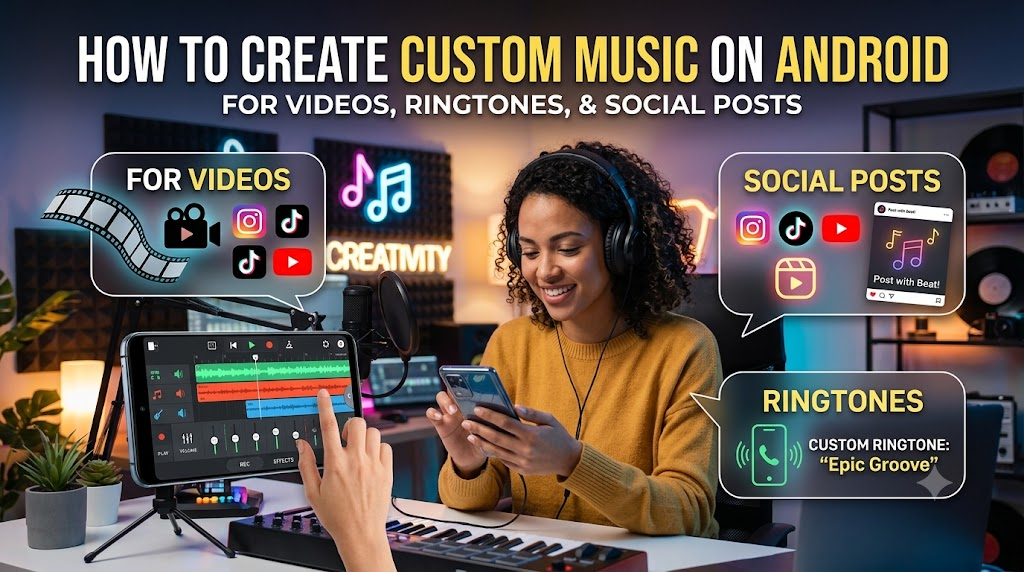
Android phones are no longer just devices for messaging, browsing, or watching videos. For many users, they have become small creative studios. You can record a vlog, edit a short video, design a social post, and publish it without opening a laptop.
One part of the workflow still feels slow for many people: finding the right music.
A track may sound good, but not fit the mood. Another one may fit the mood, but feel too common. Sometimes you only need a short background loop for a travel clip, a calm intro for a podcast, or a simple ringtone idea. In those moments, creating your own music can be easier than searching through endless audio libraries.
This is where AI music tools can help.
Why Android Users May Want Custom Music
If you create content on Android, music often decides how the final video feels. A simple clip can feel warm, cinematic, playful, or dramatic depending on the background sound.
Custom music is useful for many everyday cases:
- Short videos for TikTok, Instagram, YouTube Shorts, or personal albums
- Background music for mobile-edited vlogs
- Intro sounds for podcasts or voice recordings
- Simple ringtone or alarm ideas
- Music drafts for lyrics, demos, or creative experiments
- Mood tracks for presentations and social posts
The main benefit is control. Instead of trying to force a random track into your project, you can describe the sound you want and generate something closer to your idea.
Start With the Mood, Not the Tool
Before using any music generator, it helps to write down the feeling you want. Many people open a tool and type something too broad, such as happy music or cool beat. That can work, but the result may feel generic.
A better prompt usually includes a few details:
- The use case: vlog, ringtone, background music, intro, game clip
- The mood: calm, hopeful, energetic, nostalgic, cinematic
- The style: acoustic, electronic, pop, lo-fi, orchestral, dance
- The speed: slow, medium, fast
- The length or structure if needed
For example, instead of writing music for video, you might write: Create a warm and calm acoustic background track for a family travel video, medium tempo, soft guitar, light percussion, relaxing mood.
This kind of prompt gives the AI a clearer direction.
Use an AI Tool to Turn Ideas Into Music
A browser-based tool is often the simplest option for Android users because there is no need to install heavy software. You can open the tool from Chrome or another mobile browser, enter your idea, and generate music directly from your phone.
One option to try is Free Music Creator. It is designed for users who want to create music from text ideas, lyrics, or simple prompts. For mobile creators, this can be useful when you need a quick music draft for a video, a content project, or a personal audio idea.
The process is usually straightforward:
- Think about where the music will be used
- Write a clear prompt that describes the sound
- Generate a track
- Listen carefully and adjust your prompt if needed
- Download or save the version that fits your project
The first result may not always be the final one. Treat it like a draft. Small changes in your prompt can lead to very different results.
How an AI Music Generator Helps With Mobile Content
When working on Android, speed matters. You may be editing a video on the train, preparing a post before publishing, or testing several versions of a clip. A music search that takes too long can break the whole workflow.
An AI music generator can make this process more flexible. Instead of browsing by category, you can describe the exact mood you need. If the first version feels too slow, ask for a faster one. If the sound feels too bright, adjust the prompt toward something softer or darker.
Here are a few prompt examples for Android creators:
- Create a short upbeat electronic track for a 15-second product video, modern, clean, energetic.
- Generate a calm lo-fi background track for a study vlog, soft piano, warm texture, slow tempo.
- Create a dramatic intro sound for a mobile gaming video, cinematic drums, short build-up, powerful ending.
- Generate a simple melody suitable for a custom Android ringtone, bright, clean, memorable, not too busy.
These prompts do not need to be perfect. The goal is to give the tool enough direction so it can create a useful starting point.
Tips for Getting Better Results
AI-generated music works better when you guide it with intention. If your result sounds too random, the prompt may be too vague. If it sounds too complex, you may be asking for too many styles at once.
A few practical tips can help:
- Keep the prompt focused. One mood and one main style are usually enough.
- Mention the use case. Music for a ringtone is different from music for a travel vlog.
- Control the energy. Words like calm, soft, fast, bright, or dramatic can change the result a lot.
- Regenerate more than once. The second or third version may be closer to your idea.
- Edit after generating. You can still trim, fade, or mix the track inside your favorite Android video editor.
Also, listen to the music together with your video, not only by itself. A track that sounds simple alone may work perfectly under voice, movement, or text.
When Should You Use AI Music?
AI music is especially useful when you need something quick, custom, and flexible. It may not replace professional music production for every project, but it can be a helpful tool for daily content creation.
For Android users, the biggest advantage is accessibility. You can create a music idea from your phone, test it in a video, and adjust it without switching devices. That makes the creative process lighter and faster.
If you often make short videos, social posts, ringtones, or personal projects, AI music can become part of your regular mobile workflow.
Final Thoughts
Creating music on Android used to feel difficult unless you had production skills or desktop software. Now, with AI-powered tools, the process is more approachable. You can start with a simple idea, describe the sound in plain language, and turn it into a usable track.
The key is not to expect a perfect result from the first prompt. Think of AI music as a creative assistant. Give it direction, listen carefully, adjust your prompt, and choose the version that supports your content best.
For Android creators, that can make a big difference. The right background music can help a simple video feel more polished, more personal, and more complete.