
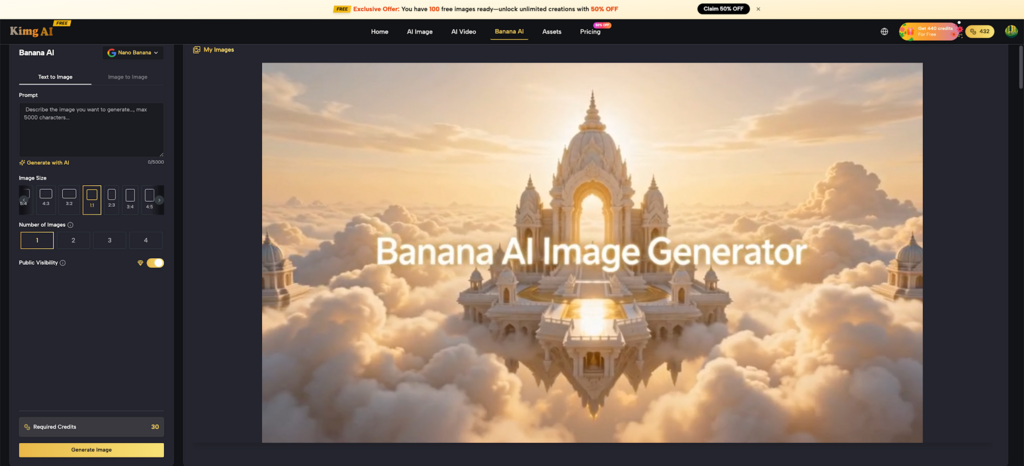
If you’ve spent any time searching for a reliable Nano Banana AI image tool this year, you’ve likely run into the same confusion: three versions, three different capability sets, and a flood of opinions that don’t quite line up. This article cuts through the noise. Everything covered here is grounded in how Kimg AI actually implements Banana AI — and what Google’s own guidance says about choosing between models.
I. The Nano Banana Family: What You’re Actually Choosing Between
Not all Nano Banana models are the same, and conflating them is the most common mistake new users make.
- Nano Banana is the original version — fast, lightweight, and well-suited for quick generations where speed matters more than detail.
- Nano Banana Pro is the powerhouse of the original lineup. Google’s own documentation still ranks it as the highest-quality model in the series, particularly for complex, multi-layered prompts that demand precision.
- Nano Banana 2 is the newest entry, built on Gemini 3.1 Flash Image. Google describes it as delivering roughly 95% of Pro’s quality at a significantly lower computational cost — making it the recommended default for most new projects.
The key takeaway: these aren’t simply “version 1, 2, 3” in a straight upgrade path. Each has a distinct use case.
II. What Google Actually Recommends
Google published an official guidance document for the Nano Banana model series, and the recommendations are more nuanced than most roundup articles suggest.
- Nano Banana 2 is Google’s default pick for the majority of use cases in 2026. The cost-to-quality ratio makes it the practical starting point for creators and developers alike.
- Nano Banana Pro remains the gold standard for technically demanding work — highly detailed infographics, complex compositional prompts, or scenes requiring extreme logical consistency.
- The original Nano Banana is no longer recommended by Google for new projects, though it still runs well for extremely fast, low-complexity generations.
- Google also recommends keeping Thinking Mode off by default across all three versions. It primarily adds generation time without meaningful quality gains, except in very specific scenarios like visual grounding or spatial reasoning tasks.
III. Core Editing Capabilities on Kimg AI
Beyond raw generation, Kimg AI exposes the full editing suite that makes Banana AI genuinely useful for production work — not just concept sketching.
- Image-to-image editing: Upload a reference photo and describe the changes. The Banana AI Image Editor can alter art style, replace backgrounds, and adjust mood while preserving the structural integrity of the original.
- Inpainting and outpainting: Fill in missing areas or extend the canvas beyond original boundaries — both are supported natively.
- Style transfer and multi-image composition: Merge visual elements from multiple sources into a cohesive scene. Nano Banana 2’s 13-image input cap makes this particularly powerful.
- Iterative refinement: The “Pro Redo” feature re-processes an image with enhanced detail fidelity — useful when the first output is directionally right but needs tightening.
IV. Practical Scenarios — Which Version to Pick
The version question ultimately comes down to what’s being created. Here’s a direct breakdown:
- Quick social content, mood boards, or single-character concepts: Nano Banana moves fast and gets the job done without overthinking.
- Brand campaigns, product visuals, or anything going into a client deliverable: Nano Banana Pro’s output ceiling and 8-image reference support make it the more reliable choice.
- Multi-character consistency, complex scene composition, or anything requiring tight visual continuity: Nano Banana 2 is the clear answer — the 13-image reference limit and improved text rendering (including accurate Chinese character output) set it apart.
For anyone just starting out with the Banana AI Image Maker on Kimg AI, Nano Banana 2 is the version worth learning first. It handles the widest range of tasks competently, and Google’s own benchmarks back it up as the practical all-rounder of the series.
V. Prompt Writing: What Actually Changes Output Quality
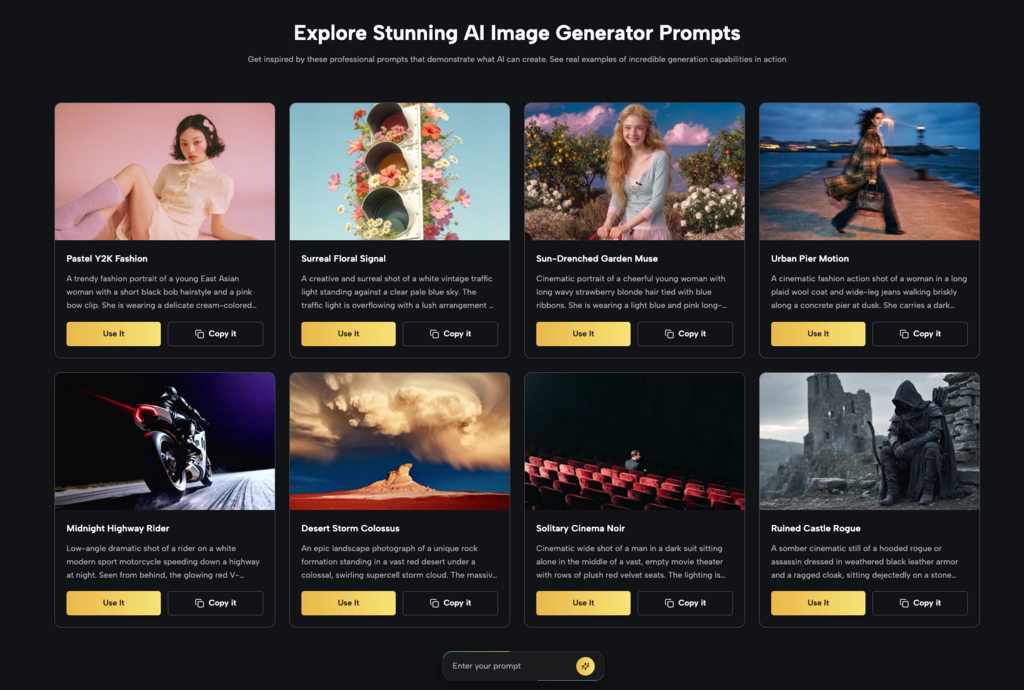
Model selection matters, but prompt quality is still the variable that separates good outputs from great ones. Google’s official guide emphasizes a few consistent principles across all three versions.
- Write in scenes, not keywords. A descriptive sentence consistently outperforms a comma-separated keyword list. “A ceramic mug on a rain-wet windowsill, soft grey light from the left” beats “mug, window, grey, light, ceramic.”
- Specify composition, not just subject. Include aspect ratio, camera angle, and lighting type. The Banana AI Image Generator responds to photographic language — terms like “85mm portrait lens” or “three-point softbox” produce noticeably different results than vague style descriptors.
- Iterate in stages. Use the first generation to validate composition, then refine with more specific language or by uploading the output as a reference for a second pass. This staged approach saves time and produces better results than trying to get everything right in one prompt.
Conclusion
The Banana AI model family on Kimg AI has matured into a genuinely capable production tool — but only if the right version is matched to the right task. Nano Banana 2 earns its place as the 2026 default for most creators. Nano Banana Pro still holds its ground when output quality is non-negotiable. The original Nano Banana works when speed is the only variable that matters. Know what the job requires, match the model accordingly, and the results follow.