
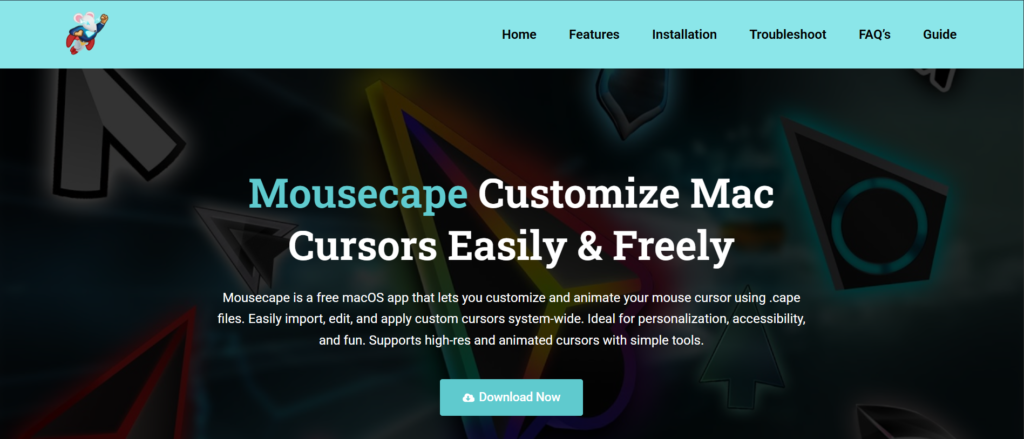
Mousecape is a macOS cursor customization tool that allows users to change and personalize their mouse pointer with custom designs and animated themes. Many beginners are interested in using mousecape but often wonder whether it is simple enough to use without technical experience. While the tool is powerful and flexible, its ease of use depends on how familiar a user is with macOS settings and customization tools.
Getting Started with Mousecape for Beginners
Simple Installation Process
Mousecape is relatively easy to install on macOS because it comes as a lightweight application. Users only need to download the file, move it to the Applications folder, and open it without complex setup steps.
Basic User Interface
The interface of Mousecape is minimal and clean, which makes it easier for beginners to understand. Most options are clearly labeled, allowing users to navigate through cursor themes without confusion.
No Advanced Setup Required
Beginners do not need coding or technical knowledge to start using Mousecape. Once installed, the tool works directly, and users can immediately explore cursor themes and apply changes.
Ease of Customization in Mousecape
Pre-Built Cursor Themes
Mousecape supports ready-made cursor packs, which makes customization simple for beginners. Users can apply themes with just a few clicks without needing to create designs from scratch.
Drag-and-Drop Functionality
The tool allows users to import cursor files easily using drag-and-drop actions. This simple method reduces complexity and makes the customization process beginner-friendly.
Instant Preview Options
Mousecape provides instant preview features so users can see changes before applying them. This helps beginners avoid mistakes and understand how each cursor style will look.
Learning Curve and Usability
Minimal Learning Curve
Mousecape has a low learning curve because most functions are straightforward. Beginners can quickly learn how to apply and switch cursor themes without confusion.
Limited Built-In Tutorials
While the tool is simple, it does not include detailed tutorials. New users may need to explore external guides to understand advanced features like creating custom cursors.
Dependence on macOS Settings
Some features require users to adjust macOS security settings, which can be slightly confusing for beginners who are not familiar with system permissions.
FAQs
Is Mousecape beginner-friendly?
Yes, Mousecape is generally easy for beginners due to its simple interface and basic functionality.
Do I need technical skills to use Mousecape?
No, basic usage does not require any technical or coding skills.
Can I install Mousecape quickly?
Yes, installation is simple and usually takes only a few minutes on macOS.
Is Mousecape hard to understand?
No, but advanced features may require some learning for complete beginners.
Does Mousecape work automatically after installation?
Yes, once installed, it can be used immediately to apply cursor themes.
Conclusion
mousecape is a beginner-friendly macOS tool that makes cursor customization simple and accessible for most users. While advanced features may require some learning, the overall experience is smooth due to its clean interface and easy installation process. For users who want to personalize their Mac without technical complexity, Mousecape offers a practical and easy-to-use solution.