
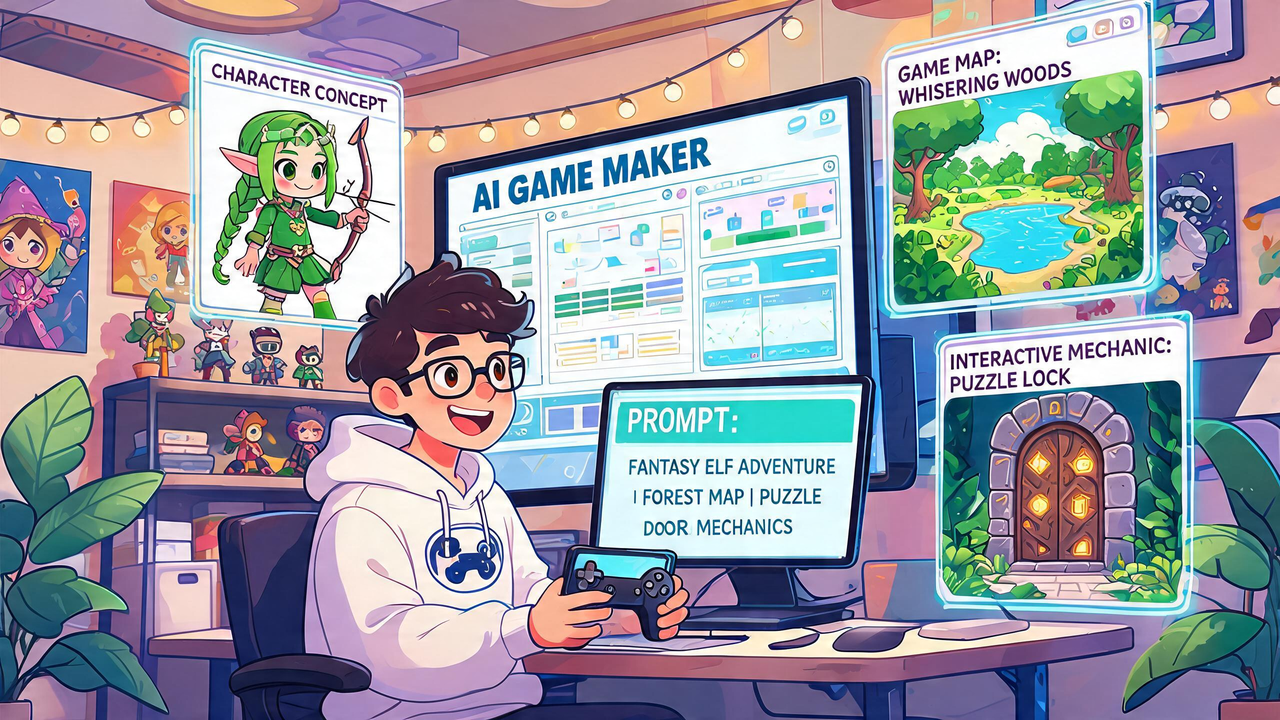
A good prompt can help you create a game that feels focused from the first draft. Many beginners type a short idea, get a rough result, and then feel disappointed because the game does not match what they imagined. The problem is not always the tool. Often, the prompt is too vague. If your prompt only says “make a driving game,” the result may feel flat. If your prompt explains the action, goal, challenge, feedback, and style, the first version has a much better chance of feeling playable, useful, and easier to improve on Astrocade.
Why AI game maker prompts need clear direction
An AI game maker works better when your instructions describe the experience, not just the theme. A theme tells the tool what the game is about, but the experience tells it what the player actually does. That difference matters. A theme might be “cars,” “space,” “boxing,” or “puzzles.” An experience explains the player’s action, goal, risk, and reason to keep going.
A game builder can turn a better prompt into a stronger first draft because it has more useful details to follow. Instead of asking for a broad idea, guide the draft with simple creative rules. Say what the player controls. Say what success looks like. Say what makes the game harder. Say what feedback should happen after a good move or a mistake. This gives your first version a stronger base before you start testing.
Start with the player action first
Before you make your own game, write the main action in plain words. The main action is what the player repeats. It could be driving, aiming, jumping, matching, building, escaping, collecting, or surviving. If that action is missing from the prompt, the first draft may look like a game but feel empty. A better prompt starts with what the player does.
Use this simple prompt checklist:
- Name what the player controls.
- Describe the main action.
- Add one goal the player can understand fast.
- Add one challenge that creates pressure.
- Mention how the game should feel.
- Explain what happens after success.
- Explain what happens after failure.
- Keep the first version small.
- Avoid asking for too many modes at once.
- Give the tool a clear first playable loop.
Give the prompt one strong goal
A prompt without a goal can lead to a weak first draft. The player needs to know what they are trying to achieve. A goal can be simple. Reach the finish. Survive longer. Score points. Capture an area. Clear lines. Win a round. Beat a timer. The goal gives the game shape.
When writing prompts, avoid making the goal too broad. “Make it fun” does not give enough direction. “The player earns points by crashing into objects while avoiding total damage” is much better. It tells the tool how the player progresses. It also helps you test the result. If the goal is visible and easy to understand, the first version already has better structure.
About Road Rag
Road Rag is a chaotic driving game where the player speeds through roads and crashes into objects to create maximum destruction and score points. The idea works well for prompt-based creation because it has a direct action, visible feedback, and a strong score loop. A first version can focus on steering, speed, crash reactions, object placement, score rewards, and short repeatable runs that let the player chase a better result each time.
How a no-code game maker turns prompt details into better drafts
A no-code game maker can help you shape a prompt into a playable version without forcing you to handle complex setup first. That gives beginners more room to focus on design choices. Your prompt should not only describe what the game looks like. It should describe what the player feels and how the game responds.
Use these prompt details to improve your first draft:
- Controls: what the player moves or uses
- Goal: what the player is trying to reach
- Challenge: what makes the goal harder
- Feedback: what happens after each key action
- Pace: slow, fast, tense, tricky, calm, or chaotic
- Replay reason: why the player should try again
- Progress: score, levels, upgrades, time, or survival
- Limits: what should not be added yet
- First moment: what should happen in the opening seconds
- Failure rule: how the player loses or restarts
Keep the prompt focused on one playable loop
A prompt gets weaker when it tries to include everything at once. Many beginners ask for a full world, several modes, upgrades, enemies, shops, special powers, and story scenes in the first request. That can make the result messy. A stronger prompt focuses on one playable loop first.
The loop is the part the player repeats. For example, the player drives, hits objects, earns score, avoids danger, and tries again. That is enough for a first draft. After the loop feels good, you can add better roads, more hazards, score targets, upgrades, or stronger effects. A focused prompt helps the first draft answer the most important question: is the core experience worth improving?
Use a game maker online to test and rewrite prompts
A game maker online helps you test prompts faster because you can see how your words turn into action. This is useful because prompt writing improves through feedback. You write a prompt, test the draft, notice what feels wrong, and then rewrite the prompt with better details. Each version teaches you something.
If the game feels slow, add a faster pace to the next prompt. If the goal is unclear, describe the win or score condition more directly. If the challenge feels random, explain when danger should appear. If the feedback feels weak, ask for clearer reactions after important actions. Prompt writing is not a one-time step. It is part of the design process.
Learn how to build a game prompt from examples
To build a game prompt that works well, think in small pieces. Start with the player, then the action, then the goal, then the challenge, then the feedback. This order keeps your idea easy to follow. It also stops the prompt from becoming a long list of random features.
A weak prompt might say, “Make a car destruction game.” A stronger prompt might say, “Create a fast driving game where the player controls a car, crashes into objects to earn points, avoids running out of health, and tries to beat their best score in short runs.” The second prompt gives direction. It explains action, scoring, risk, and replay value. That makes the first draft easier to judge and improve.
Avoid vague words that confuse the result
Vague words can make a prompt less useful. Words like “cool,” “fun,” “amazing,” or “better” do not explain what should happen. They describe a feeling you want, but they do not guide the game. Replace vague words with actions and rules. If you want excitement, say what creates pressure. If you want challenge, say what makes the player fail. If you want progress, say what the player earns.
This habit makes prompts stronger. Instead of saying “make it exciting,” say “increase speed over time and add more obstacles after each score milestone.” Instead of saying “make it satisfying,” say “show a score popup and strong reaction when the player completes the main action.” Simple, specific details help the tool create a draft that matches your idea better.
Better prompts come from better thinking. Start with the player action, give the game one goal, add one challenge, and describe the feedback. Keep the first version small enough to test. After testing, rewrite the prompt based on what feels weak or unclear. A strong prompt does not need fancy words. It needs useful details that guide the first playable version.
Astrocade can help creators create game ideas faster when the prompt is focused, practical, and easy to test. Treat the prompt like a design plan in short form. Tell the tool what the player does, what they want, what blocks them, and why they should try again. That simple habit can turn rough ideas into better playable drafts.