
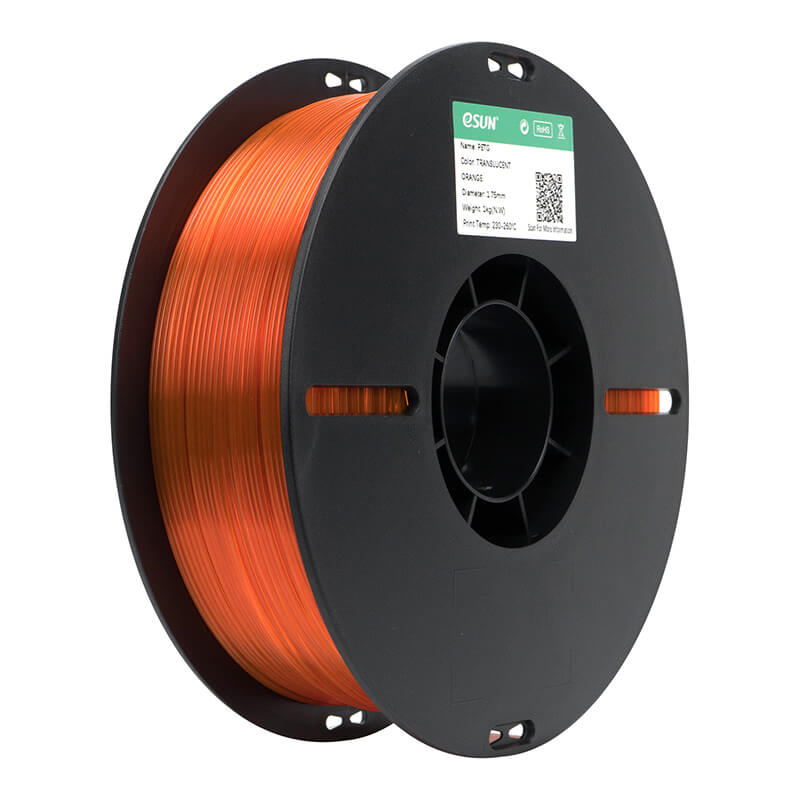
Achieving a smooth and professional-looking 3D print depends on many factors, but cooling settings often have one of the biggest effects on the final surface finish. Whether you are printing functional parts, decorative models, or engineering prototypes, understanding how cooling interacts with different materials can greatly improve print quality. Among the most popular materials, PETG has earned a strong reputation for combining durability, flexibility, and ease of printing, while PETG-Basic offers a reliable option for everyday printing projects that demand consistent performance.
Choosing the right cooling settings is especially important because too much or too little airflow can affect layer adhesion, gloss, overhang performance, and overall appearance. Manufacturers such as eSUN continue to develop high-quality PETG filament solutions that are designed for dependable printing across a wide range of desktop 3D printers. This guide explores how cooling influences surface finish, why settings should be adjusted based on your project, and how PETG and PETG-Basic can deliver excellent results when paired with proper printing techniques.
Understanding How Cooling Influences PETG Surface Quality
Cooling plays a major role in determining how each printed layer solidifies before the next one is deposited. Unlike PLA, which generally benefits from strong part cooling, PETG performs best with moderate airflow because it requires enough time for layers to bond properly while still maintaining their shape. If the cooling fan operates at maximum speed throughout the print, layers may cool too quickly, leading to weaker adhesion, rough surfaces, or inconsistent gloss. On the other hand, little or no cooling can cause sagging overhangs, rounded corners, and excessive stringing that affects the visual quality of the finished model.
PETG-Basic follows similar printing behavior but is designed to offer stable extrusion and dependable print consistency for everyday applications. Proper fan control helps maintain a balanced cooling process, allowing the material to settle evenly while preserving its mechanical strength. Many experienced users begin with fan speeds between 20% and 50% before making adjustments according to model geometry, ambient temperature, and printer capabilities. Finding this balance often produces smoother outer walls, cleaner bridges, and more uniform surface textures.
Finding the Best Cooling Balance for PETG-Basic
Every printer setup is different, which means there is no single cooling profile that works for every project. A simple calibration print can reveal how different fan settings influence the appearance of PETG-Basic. Lower fan speeds generally improve layer fusion and produce stronger parts, while moderate airflow enhances dimensional accuracy and helps maintain clean edges on detailed prints. Testing several cooling levels allows users to identify the ideal balance for their specific machine and environment.
When printing large functional components, many users reduce cooling to maximize strength and reduce internal stress between layers. Smaller models with fine details often benefit from slightly increased airflow because each layer has less time to cool before the next one is deposited. Environmental conditions also matter since room temperature, enclosure use, and airflow around the printer all influence cooling performance. Careful adjustment of these factors helps PETG-Basic achieve an attractive finish with minimal post-processing.
Common Surface Finish Problems Caused by Incorrect Cooling
Poor cooling settings often reveal themselves through visible surface defects that reduce both appearance and print quality. One of the most common issues is stringing, where thin strands of filament remain between printed sections. Although retraction settings contribute to this problem, insufficient cooling can allow melted filament to remain soft for longer, increasing the likelihood of unwanted strings. Excessive cooling, however, may introduce rough textures because the filament hardens before fully settling onto the previous layer.
Gloss variation is another common indicator of cooling imbalance. PETG naturally produces a slightly glossy finish, but inconsistent airflow may cause certain areas to appear shinier than others. Overhangs and bridges are also sensitive to cooling adjustments because unsupported sections require enough airflow to maintain their shape without compromising layer adhesion. Careful fan tuning reduces drooping, improves edge definition, and creates more uniform surfaces across the entire print. These improvements become especially noticeable when producing presentation models or customer-ready prototypes.
Choosing Quality PETG Filament for Better Printing Results
Cooling settings alone cannot compensate for inconsistent filament quality. High-quality PETG filament maintains stable diameter, reliable extrusion, and predictable melting characteristics that make tuning much easier. Selecting a trusted manufacturer helps reduce problems such as uneven extrusion, clogged nozzles, and inconsistent layer formation. Reliable materials also produce smoother surfaces because the extrusion flow remains steady throughout long print jobs.
eSUN has become well known within the 3D printing community for producing dependable materials that support a wide variety of applications. Its PETG product line is designed to offer excellent layer bonding, balanced toughness, and attractive surface appearance when proper print settings are used. PETG-Basic provides users with an accessible solution for everyday printing while maintaining dependable print quality suitable for educational, hobby, and professional environments. Matching quality filament with optimized cooling settings gives users a much greater chance of achieving clean and consistent prints from the first layer to the last.
Optimizing Cooling Settings Alongside Other Print Parameters
Cooling should always be considered together with nozzle temperature, print speed, layer height, and extrusion settings rather than treated as an isolated adjustment. Higher nozzle temperatures often require slightly increased cooling to maintain dimensional accuracy, while lower temperatures may benefit from reduced airflow to ensure proper layer fusion. Similarly, faster print speeds may demand additional cooling to help each deposited layer stabilize before the next pass.
Print orientation also affects cooling performance because different model geometries expose varying surface areas to the cooling fan. Tall narrow objects may require minimum layer time adjustments to prevent overheating at the top of the print, while wide flat components often cool naturally due to their larger surface area. Fine-tuning these variables creates a balanced printing process that enhances both visual appearance and mechanical performance. Regular calibration and careful observation help users identify small improvements that collectively produce professional-quality PETG prints with fewer failed attempts.
Best Practices for Consistent PETG and PETG-Basic Surface Finish
Consistency is the key to producing attractive PETG prints over multiple projects. Storing filament in a dry environment helps prevent moisture absorption, which can create bubbles, rough surfaces, and inconsistent extrusion. Dry filament flows more smoothly through the nozzle, allowing cooling settings to perform as intended without interference from trapped moisture. Routine maintenance of the printer, including cleaning the nozzle and checking fan operation, also contributes to more reliable print quality.
Successful users typically keep detailed records of their preferred printing profiles for different models and environmental conditions. By documenting fan speeds, nozzle temperatures, bed temperatures, and print speeds, they can quickly reproduce excellent results without repeating lengthy calibration procedures. As experience grows, small adjustments become easier to recognize, allowing both PETG and PETG-Basic to deliver impressive finishes across a broad range of applications. Combining quality materials from trusted manufacturers such as eSUN with thoughtful cooling optimization creates prints that are visually appealing, mechanically dependable, and suitable for everything from prototypes to finished products.
Conclusion
Cooling settings have a significant impact on the surface finish, strength, and overall quality of every PETG print. The right balance allows layers to bond effectively while preserving fine details, smooth textures, and consistent gloss. Excessive airflow can weaken adhesion and create rough surfaces, while insufficient cooling may result in stringing, sagging, and poor dimensional accuracy. Understanding how cooling interacts with temperature, print speed, and model geometry enables users to achieve better results with fewer adjustments.
Whether printing with PETG or PETG-Basic, success comes from combining proper cooling profiles with reliable filament and well-maintained equipment. High-quality materials from trusted manufacturers like eSUN provide a dependable foundation for consistent printing performance, making it easier to produce strong, attractive, and professional-looking parts. By continuously refining cooling settings and other print parameters, users can maximize the full potential of PETG filament and enjoy high-quality results across a wide variety of 3D printing projects.