
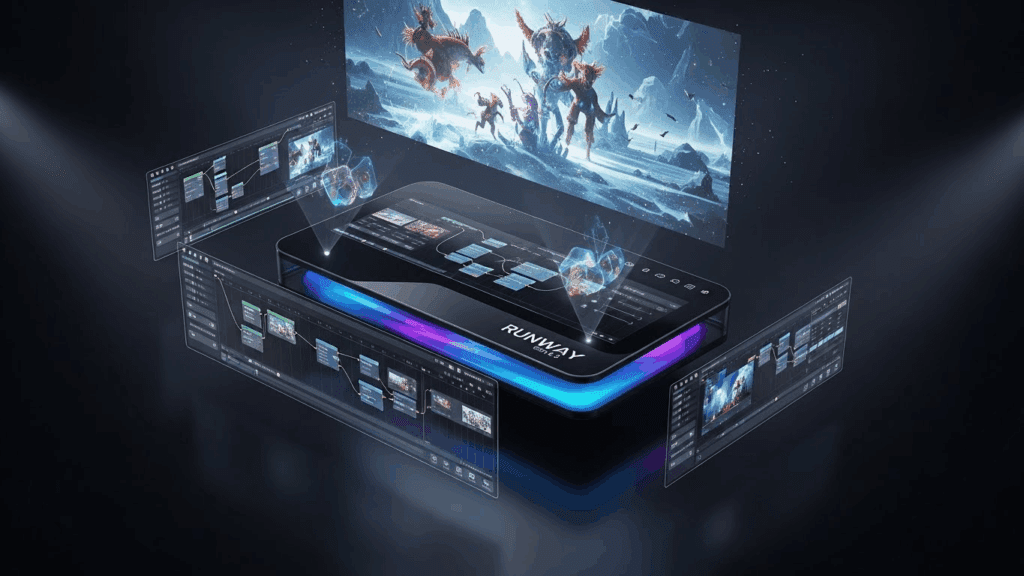
Runway’s Bet on the Professional Market
While most AI video companies chase viral demos on social media, Runway has been building something different: a production tool. Gen-4.5 continues that trajectory with features aimed squarely at professional video teams who need reliable, controllable output rather than impressive one-off clips.
The core generation quality is strong. Videos come out sharp, with accurate physics, natural lighting, and motion that reads as intentional rather than random. But what sets Gen-4.5 apart isn’t just the raw model. It’s the ecosystem around it: camera controls, motion brushes, reference frames, and an editing interface that lets you refine output without regenerating from scratch.
Camera Controls That Actually Work
One of the most frustrating aspects of AI video generation is the lack of cinematographic control. You describe a scene and the model decides how to film it. Maybe you get a slow zoom. Maybe you get a static wide shot. You’re at the model’s mercy.
Gen-4.5 gives you explicit camera controls: pan direction, tilt, zoom speed, dolly movement, and orbit paths. You can specify a slow push-in on a subject’s face or a lateral tracking shot that follows action across the frame. These aren’t suggestions to the model. They’re instructions that get followed with high reliability.
For anyone coming from traditional filmmaking, this is the feature that makes AI video feel like a real tool rather than a toy. You can plan shots the way you would with a physical camera, then execute them through prompts and controls rather than equipment and crew.
The Pricing Conversation
Runway doesn’t pretend to be cheap. The professional tier costs significantly more than comparable offerings from Kling, Pika, or Luma. At current pricing, a heavy production month can run into hundreds of dollars, and that’s before you factor in the time spent iterating on generations.
The question is whether the output quality and control features justify that premium. For a social media manager generating quick clips, probably not. For a post-production house integrating AI-generated elements into commercial projects, the math works differently. The time saved by having precise camera controls and fewer failed generations can offset the higher per-clip cost.
Runway also offers enterprise plans with custom pricing, dedicated support, and on-premise deployment options. For larger studios, these plans make the cost-per-project more predictable.
Getting Results Takes Skill
Gen-4.5 is powerful but not forgiving. Vague prompts produce mediocre results. The model rewards specificity: detailed scene descriptions, explicit camera directions, style references, and clear temporal structure. Writing effective prompts for this model is genuinely a skill, and the Runway Gen-4.5 prompting guide on PixelDojo covers the specific techniques that separate usable output from wasted credits.
The motion brush feature deserves special mention. It lets you paint motion vectors directly onto a source image, specifying which parts of the scene should move and in what direction. A flag should wave, water should flow left to right, clouds should drift upward. This granular control is something no other consumer-facing AI video tool matches right now.
Where Competitors Win
Runway’s weaknesses are real. Generation speed is slower than Kling or Pika. The free tier is too limited to be useful for anything beyond a quick test. And the model occasionally produces a subtle warping artifact on human faces during motion that Veo 3 handles more cleanly.
For pure visual fidelity in static or slow-moving scenes, Google’s Veo 3 still produces sharper, more photorealistic output. For rapid prototyping and experimentation, Kling’s faster generation and lower cost make it better suited. And for teams that need self-hosted infrastructure, open-source options like WAN 2.7 provide capabilities that Runway’s cloud-only model simply can’t match.
The Professional Standard, For Now
Gen-4.5 occupies a specific niche: it’s the AI video tool for people who treat video production as a craft rather than a novelty. The camera controls, editing tools, and output consistency make it the closest thing to a professional-grade AI video platform that exists today. Whether that justifies the premium depends entirely on what you’re building and who’s paying for it.